
MiniJoy
Entertainment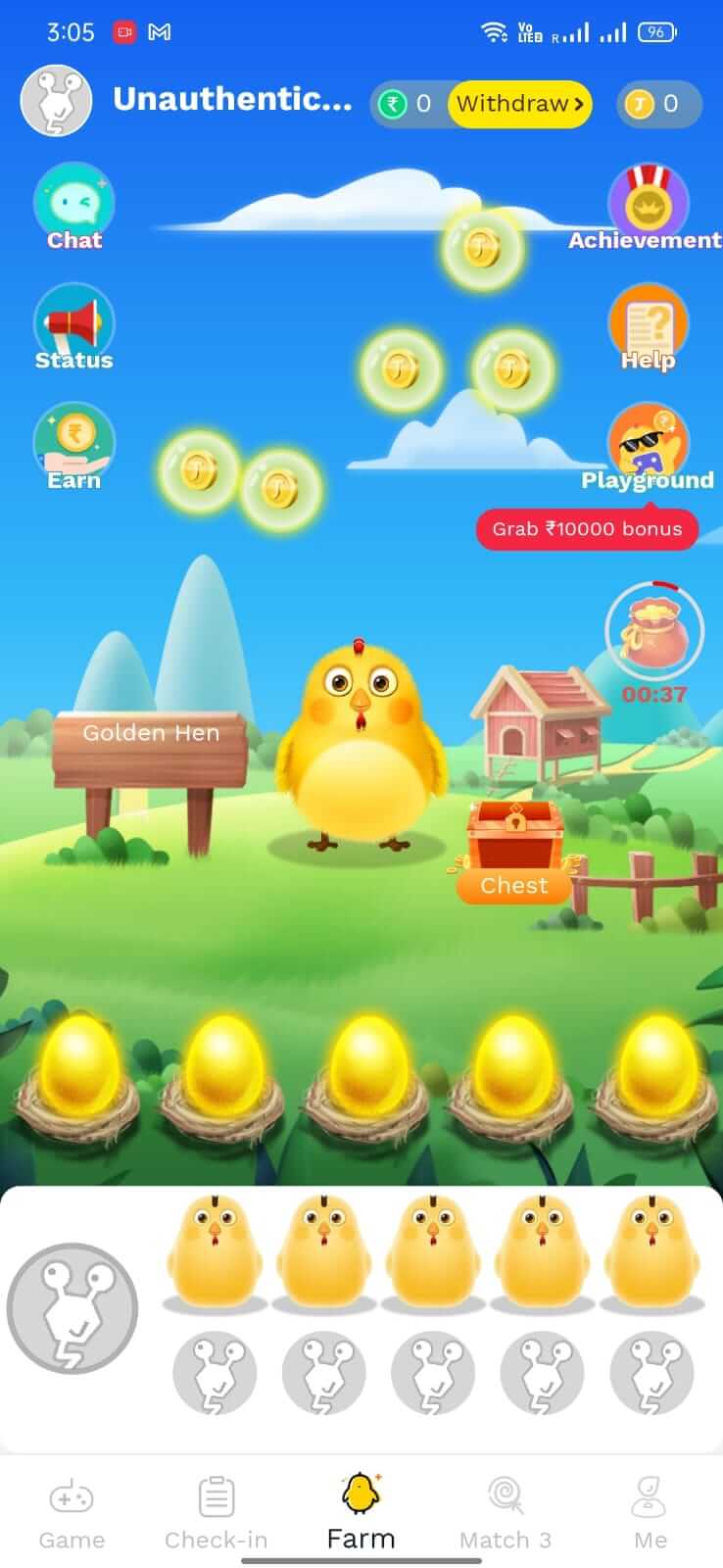
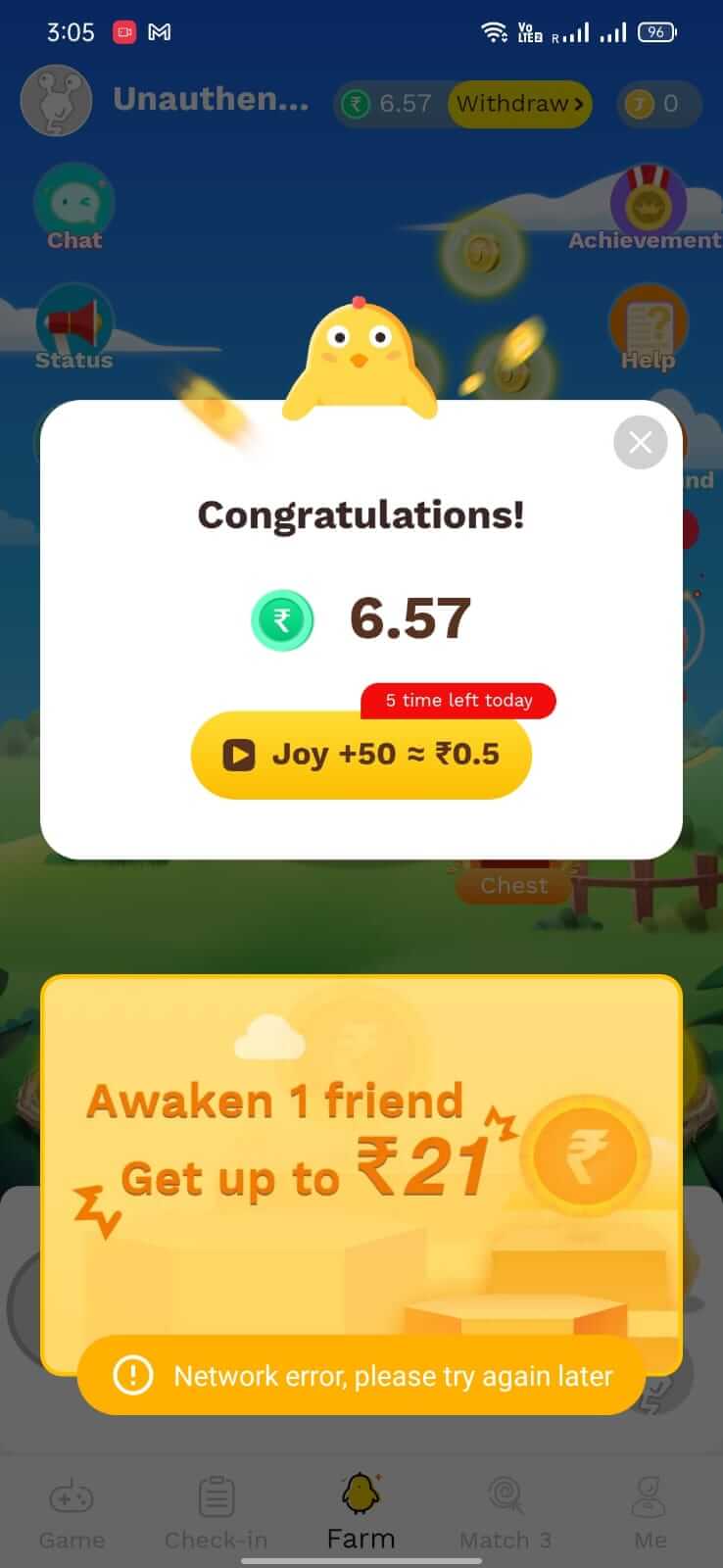
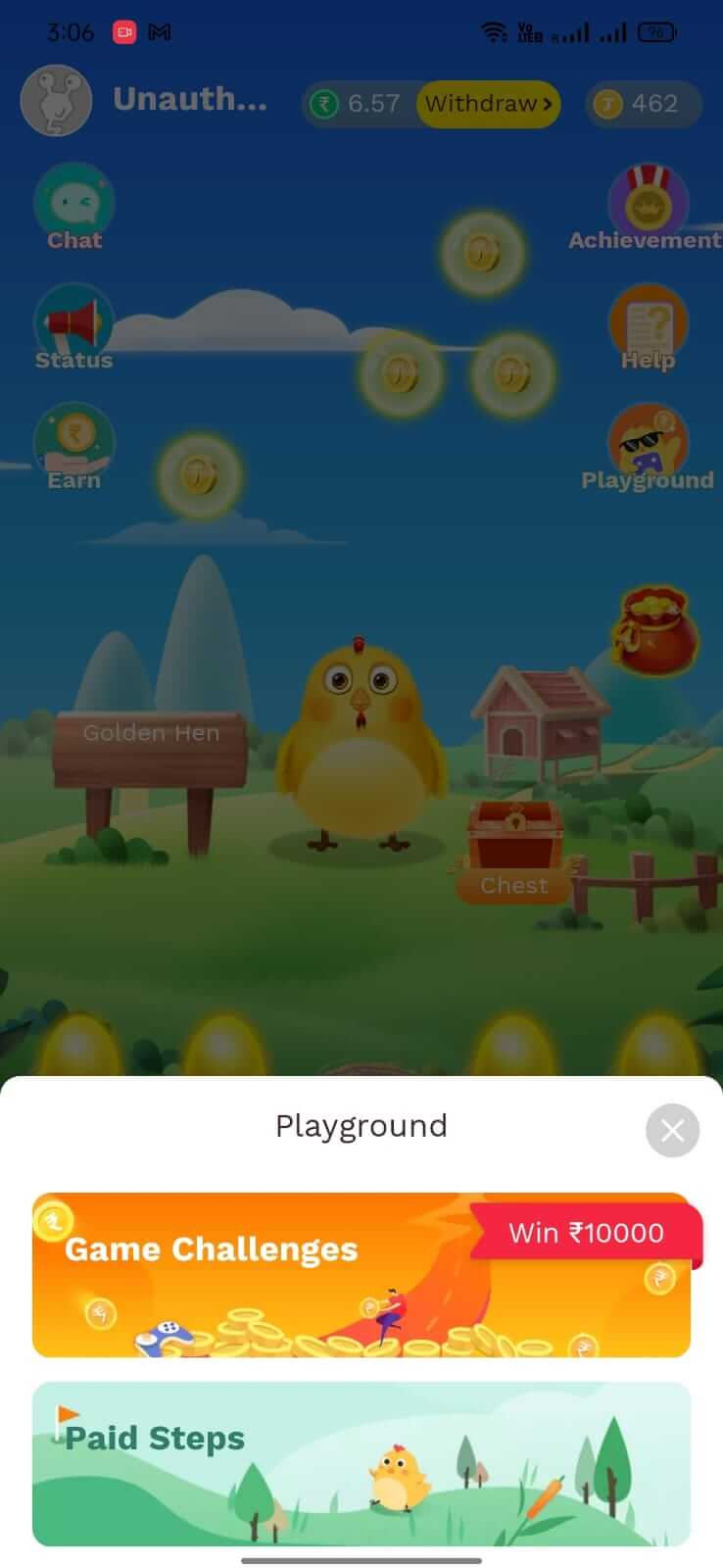
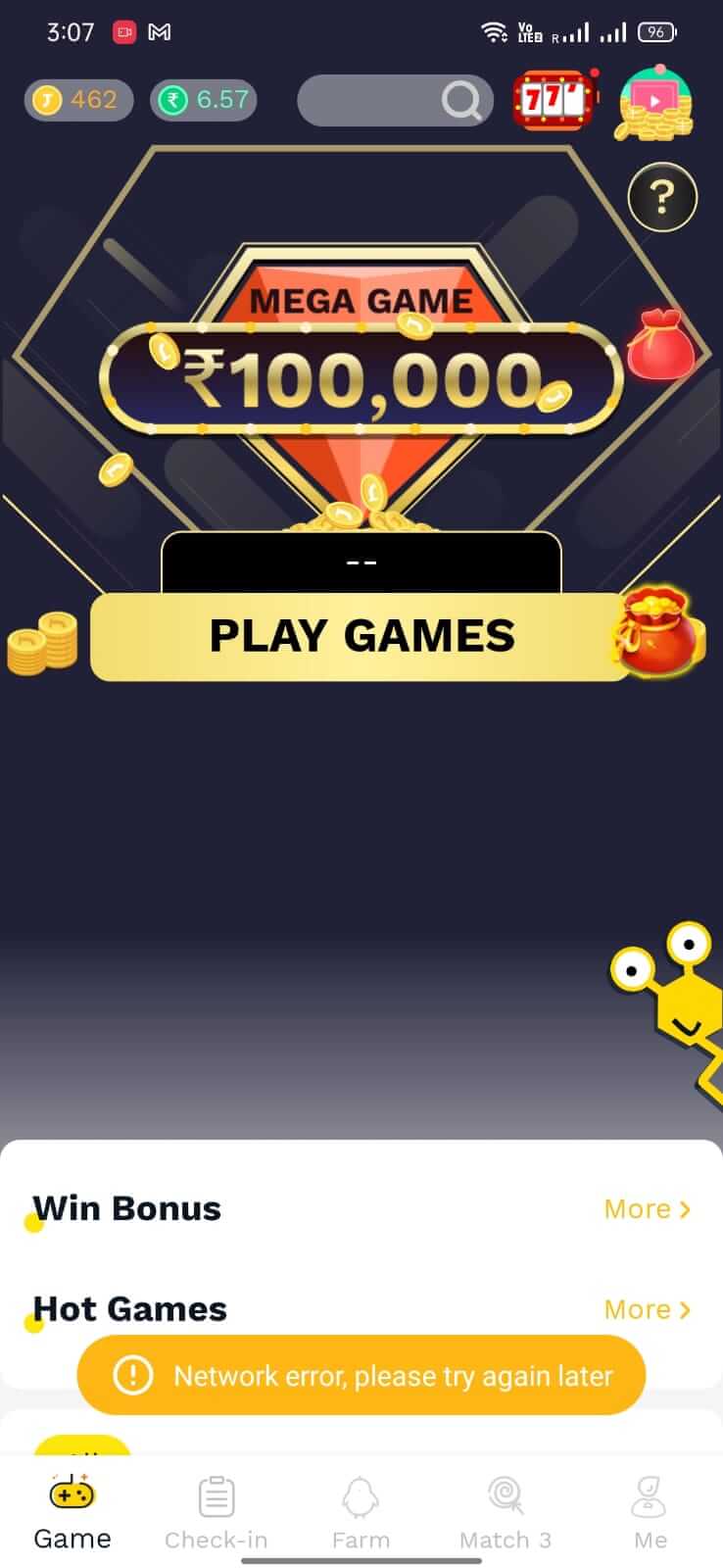
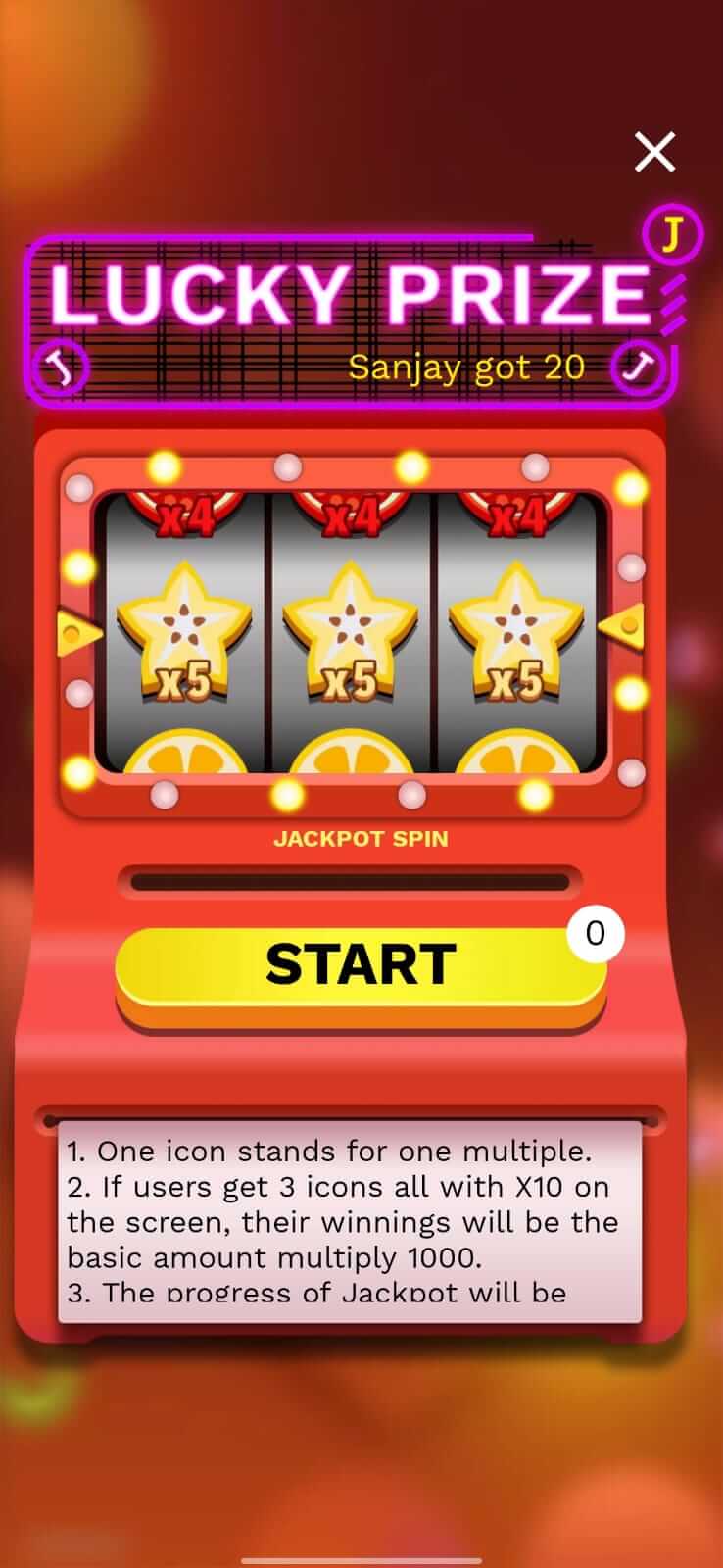
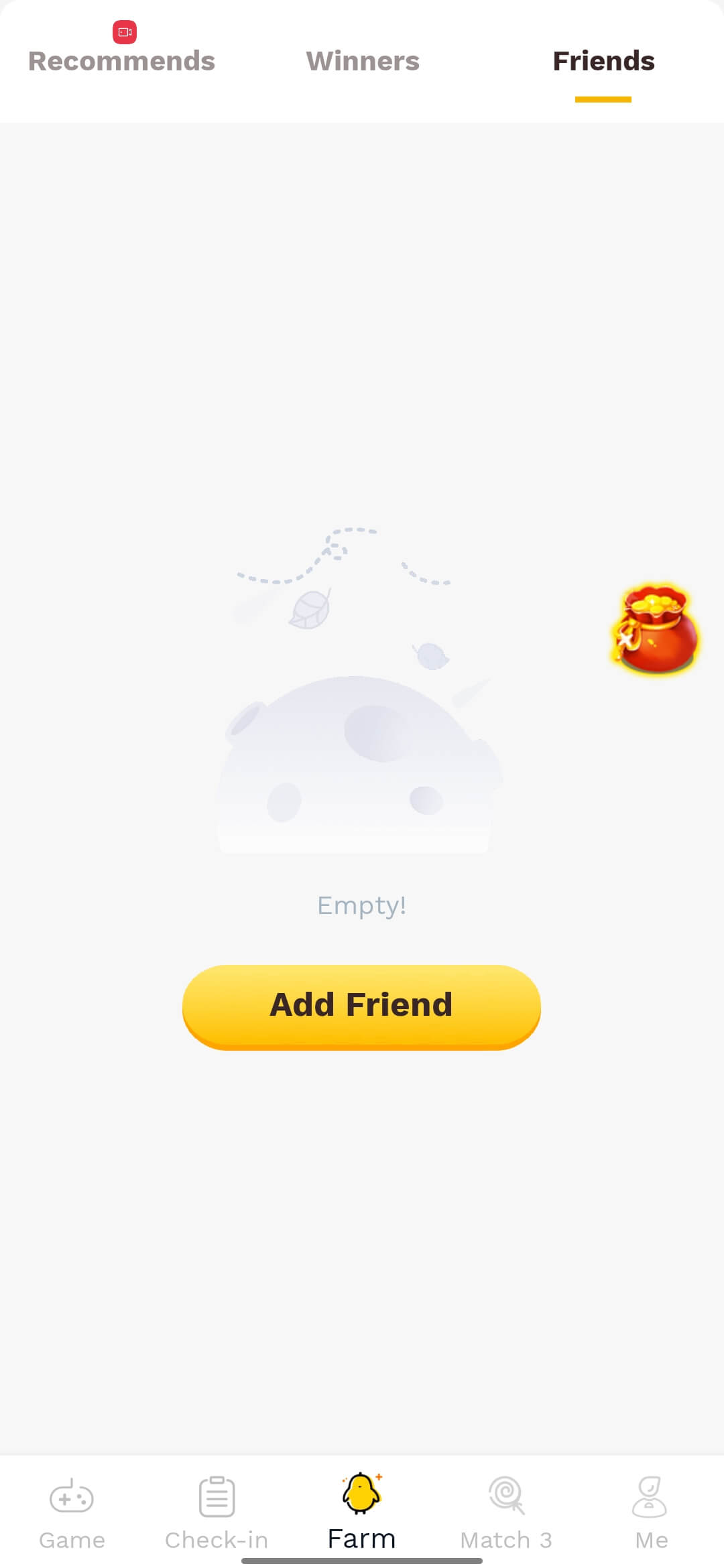

MiniJoy is an Android entertainment app that lets you play a variety of casual games and earn cash rewards. The latest release, version 5.0.0, adds a fresh set of games and updates the earning system.
Designed for users who enjoy short, fun sessions, MiniJoy claims to host up to 100 different games. Earnings are typically credited through the app’s internal wallet, which can be withdrawn once a minimum threshold is reached.
Quick Information
| App/Game Name | MiniJoy |
| Latest Version | 5.0.0 |
| Developer | Not listed |
| Category | Apps / Entertainment |
| App Size | 94.73 MB |
| Package Name | com.mini.joylite |
| Last Updated | 20 January 2026 |
What Is MiniJoy?
MiniJoy’s core purpose is to combine gaming with a simple reward system. After installing, you can browse a catalog of games, launch any title, and accumulate points or cash while you play. The app tracks playtime and achievements to calculate earnings.
The target audience includes casual gamers who want to make a bit of extra money during idle moments. Because the developer is listed as unknown and there are no public ratings or download figures, users should approach the app with the same caution they would any lesser‑known entertainment tool.
Compatibility
| Android Version | ✓ Verified — Android 5.0 and later |
| Architecture (ARM64 / 32-bit) | Not Verified |
| Internet Connection | ✓ Verified — May be required for ads, updates, or login |
| Storage Needed | Not Verified |
| OBB/Data Files | Not Verified |
| Root Required | Not Verified |
How to Install
- Enable Install unknown apps for the browser or file manager you’ll use (Settings → Apps → Special app access → Install unknown apps).
- Download the MiniJoy APK file to your device.
- Tap the downloaded file to start the installer.
- Follow the on‑screen prompts and tap Install.
- Once installation finishes, open MiniJoy and complete the initial sign‑in or registration process.
Troubleshooting
- App not installed error: Ensure the APK is compatible with your Android version and that you have enough storage space.
- Crashes on startup: Clear the app cache (Settings → Apps → MiniJoy → Storage → Clear cache) or reinstall the latest version.
- Earnings not showing: Verify that you are logged into the correct account and that the game session met the minimum play‑time requirements.
- Login issues: Check your internet connection and make sure you’re using the latest version; older builds may be blocked by the server.
Safety & Security
MiniJoy is a modified‑distribution APK, meaning it is not obtained from the official Google Play Store. Before installing, scan the file with a reputable antivirus app and review the permissions it requests. Be wary of entering sensitive personal or financial information unless you are confident the app’s payout system is legitimate. Keep in mind that updates from unofficial sources can sometimes break functionality.
How MiniJoy Compares
| Feature | MiniJoy | Mistplay | AppKarma |
|---|---|---|---|
| Price / Free model | Free (ad‑supported) | Free (ad‑supported) | Free (ad‑supported) |
| Platform availability | Android only | Android & iOS | Android & iOS |
| Standout feature | Up to 100 games in one app | Personalized game recommendations | Daily quests & bonus offers |
| Best for | Users who want a single hub for many reward games | Players who prefer curated game playlists | People who like frequent challenges and extra offers |
Alternatives
If you’re looking for other ways to earn while gaming, consider these well‑known options:
- Mistplay – Offers a large library of games with a points‑to‑cash system and a clear payout schedule.
- AppKarma – Combines game play with daily tasks and surveys for faster earnings.
- Lucktastic – Focuses on scratch‑card style games and instant win offers, suitable for quick rewards.
Final Verdict
MiniJoy provides a convenient single‑app solution for playing many casual games and earning small cash rewards. Its unknown developer and lack of public ratings mean users should verify the APK’s safety before installing. If you’re comfortable with a third‑party source and want a broad game catalog, MiniJoy is worth a try; otherwise, established platforms like Mistplay or AppKarma may offer a more transparent experience.
Frequently Asked Questions
Because MiniJoy is distributed outside the Google Play Store, you should scan the APK with an antivirus app and review its permissions before installing.
MiniJoy advertises up to 100 different games within the app.
The app rewards gameplay with points or cash that can be withdrawn once a minimum balance is reached, but earnings are typically modest.
MiniJoy’s compatibility information is generated automatically; check the compatibility table on the download page for the exact minimum Android version.
Withdrawals are usually processed through the app’s internal wallet using supported payment methods such as PayPal or bank transfer, once you meet the payout threshold.
If your tablet runs a compatible Android version, MiniJoy should install and function like on a phone.
MiniJoy may request access to storage and network to track gameplay and process rewards; only grant permissions you are comfortable with.
If you already have a previous MiniJoy APK, installing the new version will replace it while preserving your account data.